Category: Duplicate Files

  • Duplicate Music Finder: Find Duplicate Songs Easily

    Duplicate Music Finder: Find Duplicate Songs Easily

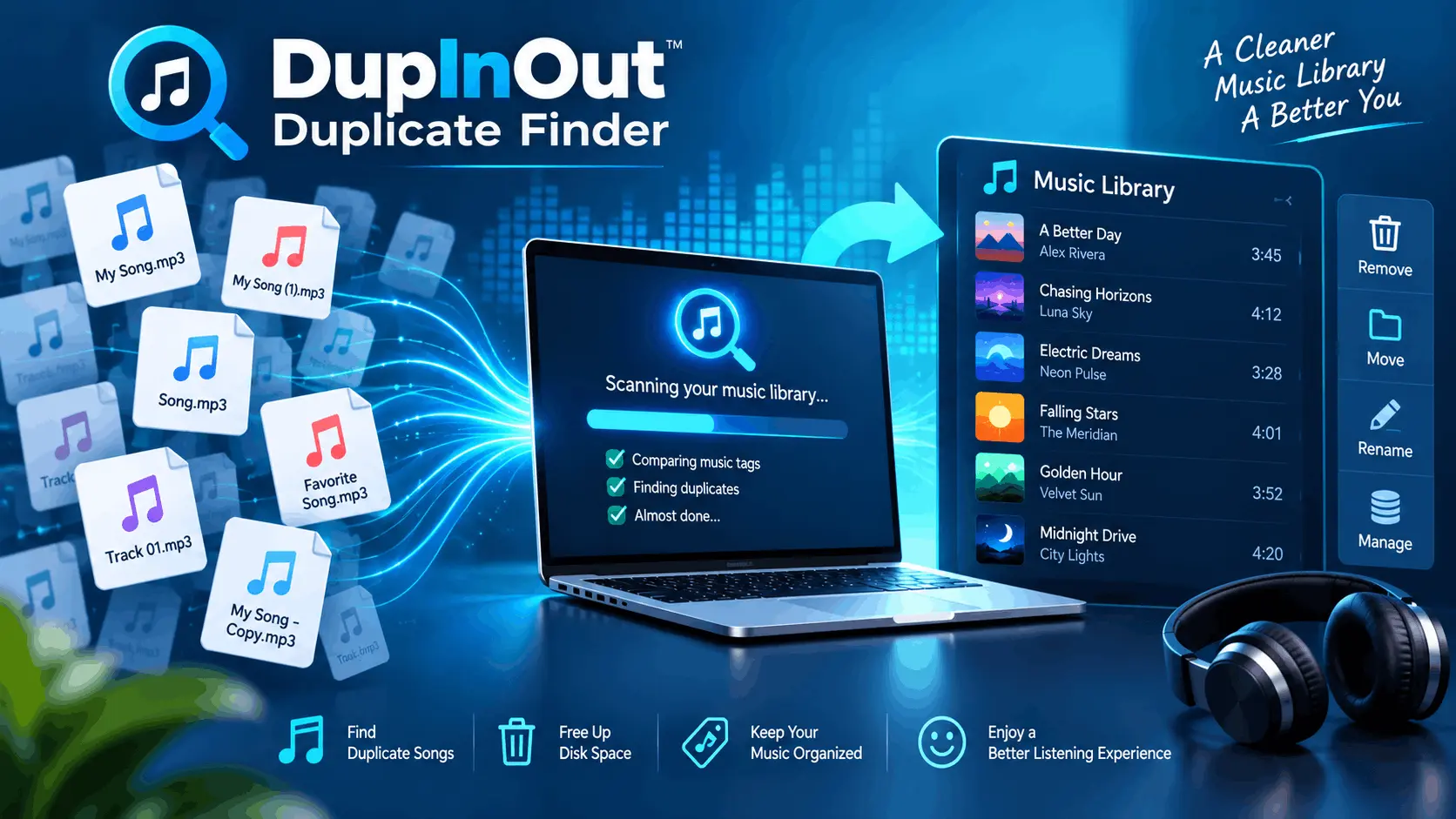
    A duplicate music finder tool, such as DupInOut Duplicate Finder, analyses music tags to find duplicate songs quickly and easily. It offers smart algorithms, one-click selection options, and advanced scan filters. Other methods include sorting music files by their names in File Explorer (simple & free) and using the “Show duplicate items” option in iTunes.

    Duplicate music files can take up considerable storage space and make it difficult to manage your vast collection of music. If there are too many of them, your tracks will keep on repeating. Let’s deep dive into how a duplicate music finder can help you find duplicate songs quickly and securely.

    (more…)


  • How to Find Duplicate RAR Files

    How to Find Duplicate RAR Files

    There are two ways to find duplicate RAR files: If you have fewer files, sort them in ascending order and look for similar file naming patterns. If you have too many duplicate archives, your best bet is DupInOut Duplicate Finder, a dedicated tool that offers automated scans, file size filters, a comprehensive scan report, and one-click selection options.

    Do you download a lot of files online? If so, you might have acquired a lot of duplicate RAR files. If you’re wondering how to find duplicate RAR files easily, stay with us. We’ll discuss what RAR files are, and how deleting duplicate RAR files regularly can help you free-up your storage space. Let’s begin.

    (more…)
  • Duplicate RAW Photos in Windows

    Duplicate RAW Photos in Windows

    To find duplicate RAW photos, open File Explorer and sort your photos by their names. Look for similar file naming patterns to identify and delete duplicate RAW images. The better option is to use a dedicated tool such as DupInOut Duplicate Finder, which automates the entire task and improves the level of accuracy.

    Bought a new digital camera with shiny aesthetic features? Congratulations! Many digital cameras provide you an option to save your digital shots into a format of your choice. Many photographers prefer RAW format due to the unique advantages that it offers. But there’s one catch — duplicate RAW photos. If you’re worried about the mess caused by duplicate RAW files, stay with us. We’ll discuss how to tackle this issue in an easy way.

    (more…)
  • Delete Duplicate Songs in VLC Media Player

    Delete Duplicate Songs in VLC Media Player

    There are both manual and automated ways to find duplicate songs in VLC. The first method is to load your files into a playlist and then sort the music by its title. The second method involves sorting your songs alphabetically in the File Explorer. In both of these methods, you rely on file name suffixes such as – Copy(2) and – Copy(3). The third method eliminates manual labor. It uses a dedicated tool, DupInOut Duplicate Finder, thereby saving your time, improving accuracy, and offering better customization options.

    We all listen to music to calm our minds, get rid of everyday stress, and re-energize our souls. Many of us use VLC Media Player as it’s a free & cross-platform multimedia player that offers a range of features. But as your music collection grows in size, you may experience repeated duplicate tracks in VLC. Thankfully, there’s an easy way to identify and fix duplicate songs in VLC and re-organize our playlists. Let’s deep dive into the process.

    (more…)
  • PhotoStick Duplicate Photos [Workaround]

    PhotoStick Duplicate Photos [Workaround]

    Finding PhotoStick duplicate photos can be easier with the right tool. Connect the PhotoStick to your PC, download DupInOut, and add the PhotoStick folders to scan. Run the scan and review & fix the results. Alternatively, you can sort the PhotoStick files by their names in the File Explorer to identify duplicates manually. To prevent accumulation of PhotoStick duplicate images in the future, be sure to activate the “Skip duplicates” setting in your PhotoStick.

    A PhotoStick is a small drive that looks like any other ordinary USB Stick. However, it comes with an amazing feature — automated photo and video backup. As soon as you connect it to your PC, it searches for photos and videos on your device and then backs them up with little to no need for human intervention. Moreover, it acts as an incredible storage booster too. But, there’s a big problem with these tiny sticks — PhotoStick duplicate photos. Let’s deep dive into the nature of the problem and how to fix it.

    (more…)
  • A Beginner’s Guide to Find Duplicate Photos [Best Duplicate Photo Finder]

    A Beginner’s Guide to Find Duplicate Photos [Best Duplicate Photo Finder]

    It’s easy to accumulate duplicate photos due to repeated downloads and file transfers. To find duplicate photos, install a dedicated tool, DupInOut Duplicate Finder. Set the scan mode to Similar Photos, choose your desired Similarity Threshold, and add the folders/ drives you want to scan. The tool will use specialized algorithms to find visually similar photos. Alternatively, you can sort photos by their names in the File Explorer. However, it can be a tricky, time-consuming, and error-prone task.

    Duplicate photos are identical copies of your images that may have been rotated, flipped, converted or minor edited. If you don’t need them, typically, it’s safe to delete them. A duplicate photo finder software will help you find duplicate images and remove them securely while reducing the hassle of manual file reviewing.

    (more…)
  • How to Search for Duplicate Documents in Windows 11

    How to Search for Duplicate Documents in Windows 11

    Your computer’s storage can fill-up quickly if you use it for a long time. As you copy or transfer files from other devices, it tends to fill up your storage very quickly. It’s possible to expand your computer’s storage by purchasing an external hard disk that comes into different storage capacities up to 12 TB. Or maybe you can upload your files on the cloud (Internet) to free-up some storage locally. These are great options, nevertheless, but they have their own limitations in terms of storage capacities and price. At some point of time, you may run out of storage and you’re forced to either delete some existing files or pay more for additional storage. There’s a better way — Search for duplicate documents in Windows 11 and make room for new files. Read on to know how.

    (more…)
  • Why Are There So Many Duplicate Files On My Hard Disk? How Do I Get Rid Of Them?

    Why Are There So Many Duplicate Files On My Hard Disk? How Do I Get Rid Of Them?

    Duplicate files are identical copies of your original files. They are usually scattered across multiple locations- such as different drives, folders and sub-folders on your hard disk. Duplicate files are usually found in popular file formats (such as .txt, .docx, .pdf, .ppt, .xlsx, .mp3, .mp4, .rar, etc.).

    As you use your computer, share files with different people, or sync them across multiple devices at home or office, you acquire a bunch of duplicate files. Simple file copying operations, downloading the same file twice could result in redundancy. Over time, they eat up your hard disk storage, impact the computer performance and your productivity. You start seeing numerous entries of the same file versions while searching for your files. In this article, we’ll discuss how to get rid of duplicates and re-organize your files. Let’s begin.

    (more…)