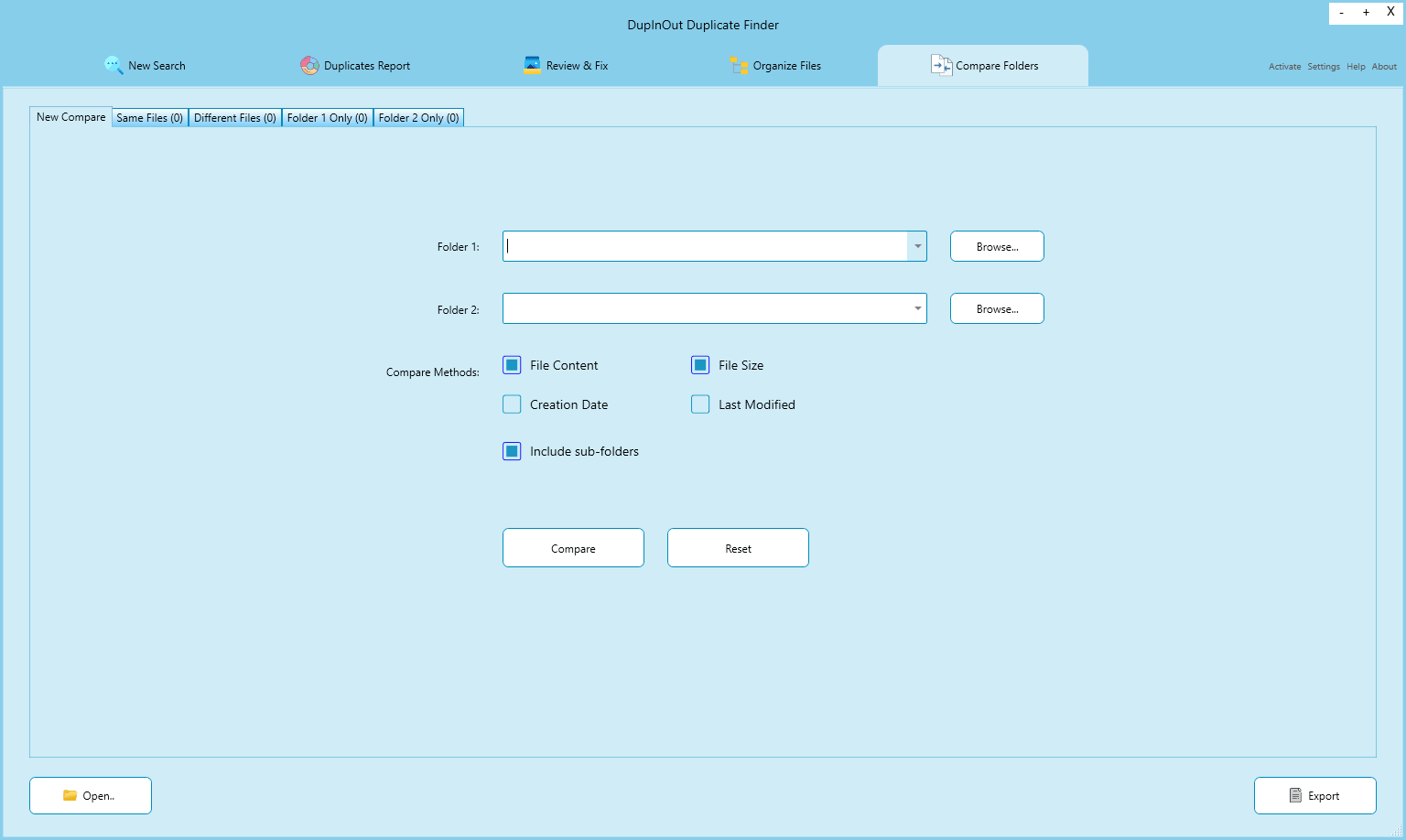
Sometimes, you may want to compare the contents of two folders to see what’s changed. Maybe you copied some files from one folder to another, and you want to confirm whether all the files have been successfully copied. Or maybe you just want to verify the integrity of the simple backups you stored in another folder. A directory compare tool can come to your rescue.
(more…)Category: Blog
-
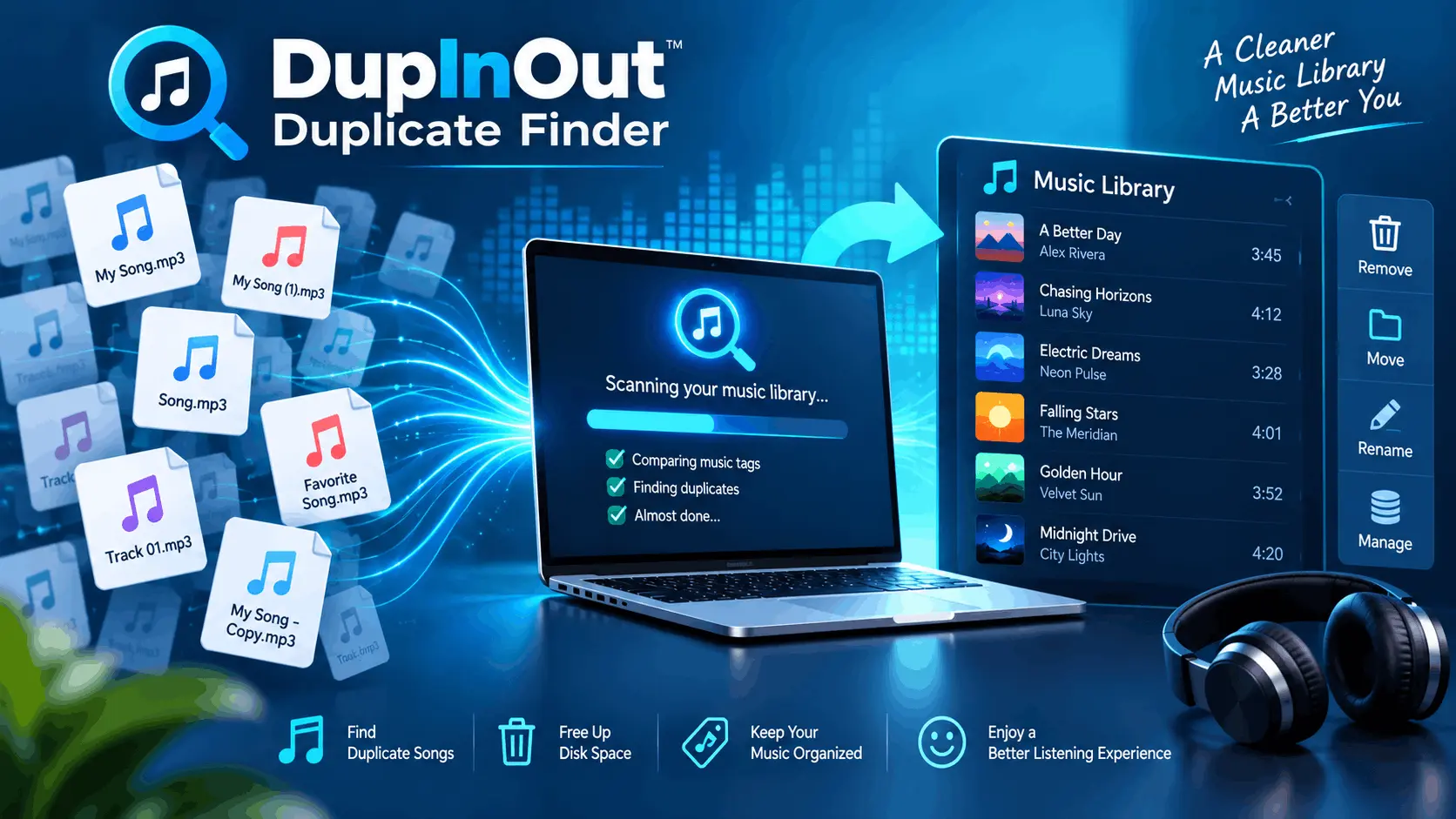
Duplicate Music Finder: Find Duplicate Songs Easily
A duplicate music finder tool, such as DupInOut Duplicate Finder, analyses music tags to find duplicate songs quickly and easily. It offers smart algorithms, one-click selection options, and advanced scan filters. Other methods include sorting music files by their names in File Explorer (simple & free) and using the “Show duplicate items” option in iTunes.
Duplicate music files can take up considerable storage space and make it hard to manage your vast music collection. If there are too many, your tracks will keep repeating. Let’s take a deep dive into how a duplicate music finder can help you find duplicate songs quickly and securely.
(more…) -
Activation Help
This guide attempts to clear confusion about various activation errors, and outlines specific workarounds applicable to each case. If your problem still occurs, feel free to contact us.
Please Note: The activation mechanism is not 100% accurate. Sometimes, genuine users may receive an error that they really shouldn’t. Feel free to drop us an email for any help you may need with the activation process.
(more…) -

Ultimate Guide For Updating Drivers On Windows
Device drivers are the communication gateway for the software/ hardware and the operating system. In Windows, there is a constant need to keep all the device drivers updated at all times. This is required in order to keep your system running smoothly as outdated drivers can lead to sluggish performance, device incompatibility issues, or even system crashes. This can turn your Windows experience into a frustrating ordeal.
In this blog post, we will explore two different ways to update your drivers — the automated (and easiest) one, and the manual one. You will also learn how to schedule your driver updates and fix any driver related issues that you may have with one of the best driver updater tools. So, without further ado, let’s get started.
(more…) -

How to Find Duplicate RAR Files
There are two ways to find duplicate RAR files: If you have fewer files, sort them in ascending order and look for similar file naming patterns. If you have too many duplicate archives, your best bet is DupInOut Duplicate Finder, a dedicated tool that offers automated scans, file size filters, a comprehensive scan report, and one-click selection options.
Do you download a lot of files online? If so, you might have acquired a lot of duplicate RAR files. If you’re wondering how to find duplicate RAR files easily, stay with us. We’ll discuss what RAR files are, and how deleting duplicate RAR files regularly can help you free-up your storage space. Let’s begin.
(more…) -

Duplicate RAW Photos in Windows
To find duplicate RAW photos, open File Explorer and sort your photos by their names. Look for similar file naming patterns to identify and delete duplicate RAW images. The better option is to use a dedicated tool such as DupInOut Duplicate Finder, which automates the entire task and improves the level of accuracy.
Bought a new digital camera with shiny aesthetic features? Congratulations! Many digital cameras provide you an option to save your digital shots into a format of your choice. Many photographers prefer RAW format due to the unique advantages that it offers. But there’s one catch — duplicate RAW photos. If you’re worried about the mess caused by duplicate RAW files, stay with us. We’ll discuss how to tackle this issue in an easy way.
(more…) -

Delete Duplicate Songs in VLC Media Player
There are both manual and automated ways to find duplicate songs in VLC. The first method is to load your files into a playlist and then sort the music by its title. The second method involves sorting your songs alphabetically in the File Explorer. In both of these methods, you rely on file name suffixes such as – Copy(2) and – Copy(3). The third method eliminates manual labor. It uses a dedicated tool, DupInOut Duplicate Finder, thereby saving your time, improving accuracy, and offering better customization options.
We all listen to music to calm our minds, get rid of everyday stress, and re-energize our souls. Many of us use VLC Media Player as it’s a free & cross-platform multimedia player that offers a range of features. But as your music collection grows in size, you may experience repeated duplicate tracks in VLC. Thankfully, there’s an easy way to identify and fix duplicate songs in VLC and re-organize our playlists. Let’s deep dive into the process.
(more…) -
![PhotoStick Duplicate Photos [Workaround]](https://www.dupinout.com/wp-content/uploads/2024/05/photostick-duplicate-photos.jpg)
PhotoStick Duplicate Photos [Workaround]
Finding PhotoStick duplicate photos can be easier with the right tool. Connect the PhotoStick to your PC, download DupInOut, and add the PhotoStick folders to scan. Run the scan and review & fix the results. Alternatively, you can sort the PhotoStick files by their names in the File Explorer to identify duplicates manually. To prevent accumulation of PhotoStick duplicate images in the future, be sure to activate the “Skip duplicates” setting in your PhotoStick.
A PhotoStick is a small drive that looks like any other ordinary USB Stick. However, it comes with an amazing feature — automated photo and video backup. As soon as you connect it to your PC, it searches for photos and videos on your device and then backs them up with little to no need for human intervention. Moreover, it acts as an incredible storage booster too. But, there’s a big problem with these tiny sticks — PhotoStick duplicate photos. Let’s deep dive into the nature of the problem and how to fix it.
(more…) -
![A Beginner’s Guide to Find Duplicate Photos [Best Duplicate Photo Finder]](https://www.dupinout.com/wp-content/uploads/2025/06/duplicate-photo-finder.webp)
A Beginner’s Guide to Find Duplicate Photos [Best Duplicate Photo Finder]
It’s easy to accumulate duplicate photos due to repeated downloads and file transfers. To find duplicate photos, install a dedicated tool, DupInOut Duplicate Finder. Set the scan mode to Similar Photos, choose your desired Similarity Threshold, and add the folders/ drives you want to scan. The tool will use specialized algorithms to find visually similar photos. Alternatively, you can sort photos by their names in the File Explorer. However, it can be a tricky, time-consuming, and error-prone task.
Duplicate photos are identical copies of your images that may have been rotated, flipped, converted or minor edited. If you don’t need them, typically, it’s safe to delete them. A duplicate photo finder software will help you find duplicate images and remove them securely while reducing the hassle of manual file reviewing.
(more…) -

OneDrive Duplicate Finder
What is Microsoft OneDrive?
Microsoft OneDrive is a cloud storage, sync, and collaboration platform from the techno-giant. It offers a simple and powerful Web-based interface to upload user’s documents and files, sync them with other devices, and share them with business colleagues. Additionally, it offers a stand-alone cloud synchronization application that makes it easier to automatically sync user’s files onto the cloud with little to no user intervention.
(more…)